Search Settings
Settings for Search
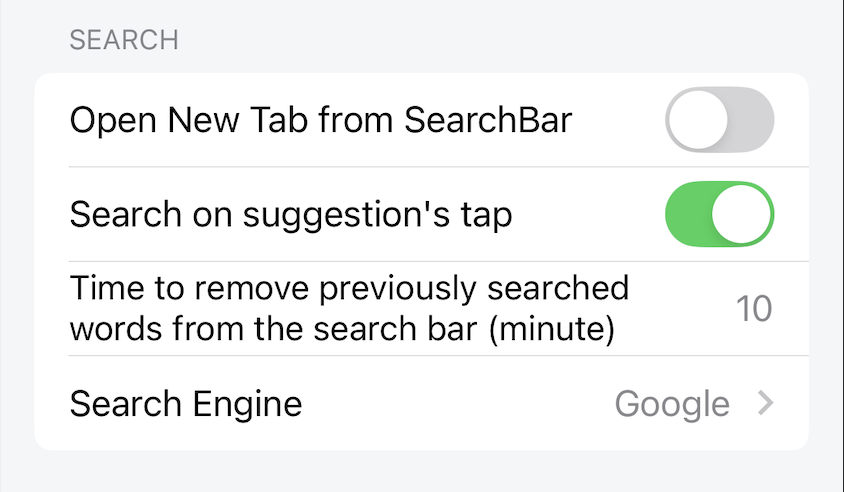
Open New Tab from SearchBar
When enabled, search results will open in a new tab.
When disabled, search results will load directly in the current tab.
Default: enable
Search on suggestion's tap
When enabled, when the user clicks on the search suggestions, the search action will be performed.
When disabled, when the user clicks on the search suggestions, the search suggestion will be filled in the search input box but the search action will not be performed.
Default: enable
Time to remove previously searched words from the search bar (minute)
Set the time that the search word exists in the search input. That is, during the set time, when the user opens the search input, the previous search word will still be filled there. If after the set time, the previous search word will be deleted, the search input will be empty.
The maximum time value is 60 minutes. The minimum time value is 0 minutes.
Default: 10 minutes
Search Engine
Lunascape provides 8 search engines:
- Bing
- Amazon
- Youtube
- Twitter/X
- Wiki
- DeepL
- ebay
Search results will depend on the search engine the user chooses when searching.
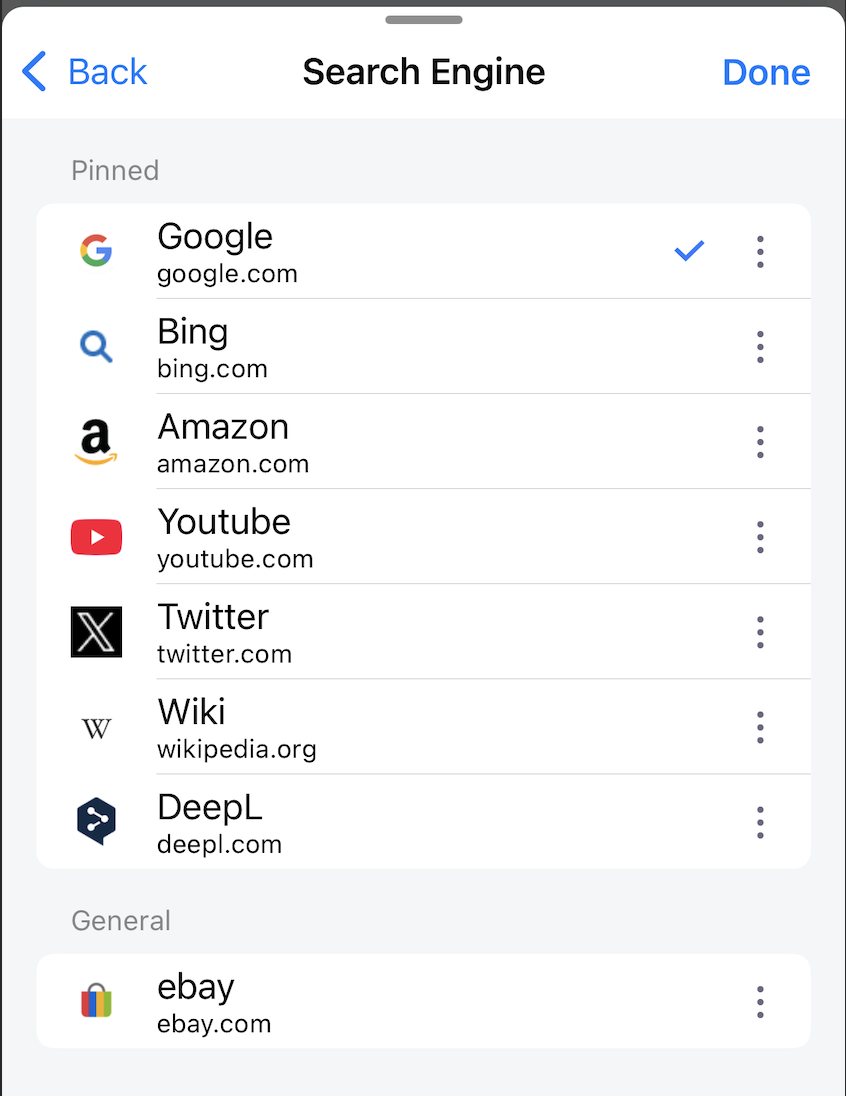
Default: Google