Overview
Table of Contents
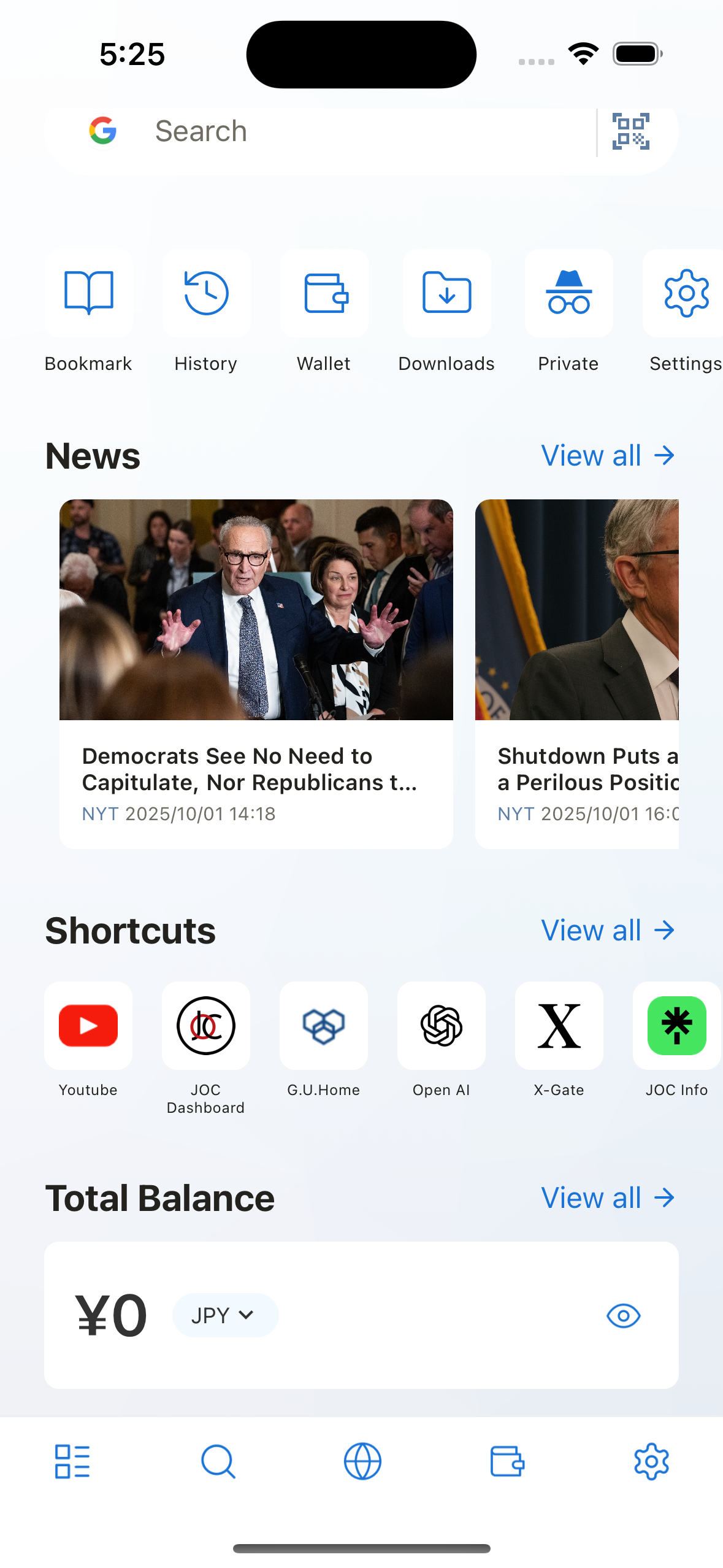
- Quick Search - Search using installed search engines and QR code scanning
- Tool Menu - Quick access to Bookmarks, History, Wallet, Downloads, and Settings
- News - RSS feed articles and news shortcuts
- Browser Shortcuts - Quick access to Shortcuts Setting and installed websites
- Wallets - Web3 wallet with account balance and token information
What This Section Covers
This section explains how to use the Home screen features of Lunascape. You'll learn how to:
- Use the Quick Search widget for fast searching and QR code scanning
- Access various browser functions through the Tool Menu
- Stay updated with news through the News widget
- Create and manage browser shortcuts
- Use the built-in Web3 wallet features
Each widget can be customized to match your preferences and usage patterns.
The Home screen provides Widgets such as Quick Search, Tool menu, News, Shortcuts, Wallet for quick access to basic features.
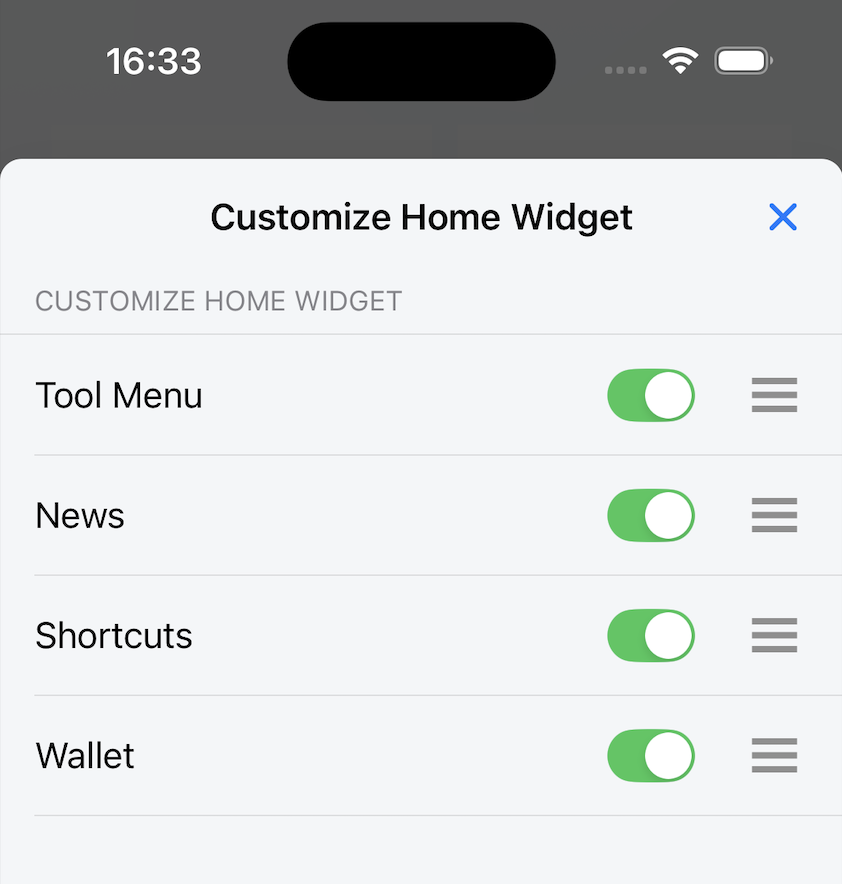
You can customize the position and display of each Widget.