Asset List
This is the screen that shows the balance information and all tokens of the currently selected wallet, and a few other features.
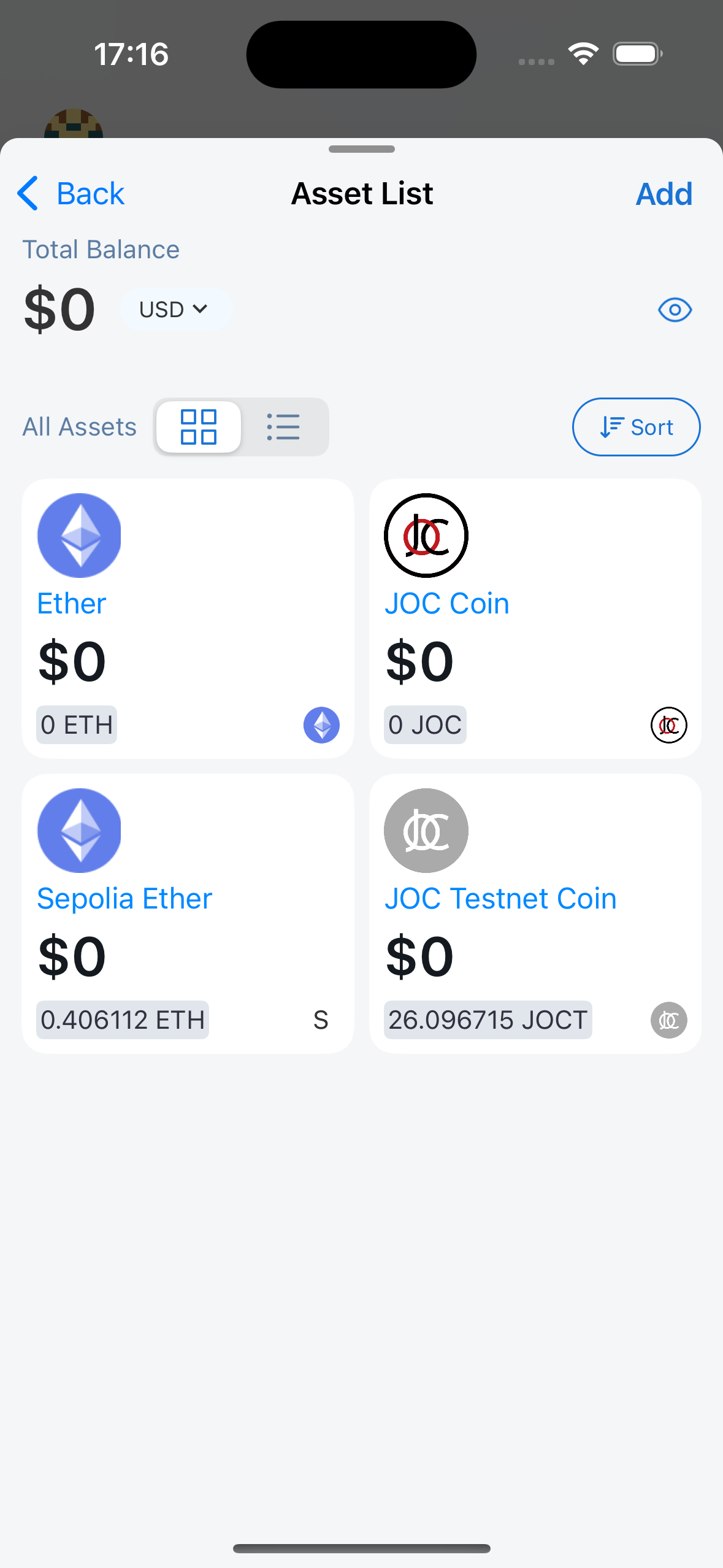
Total Balance
Same as Dashboard/Total Balance
All Assets
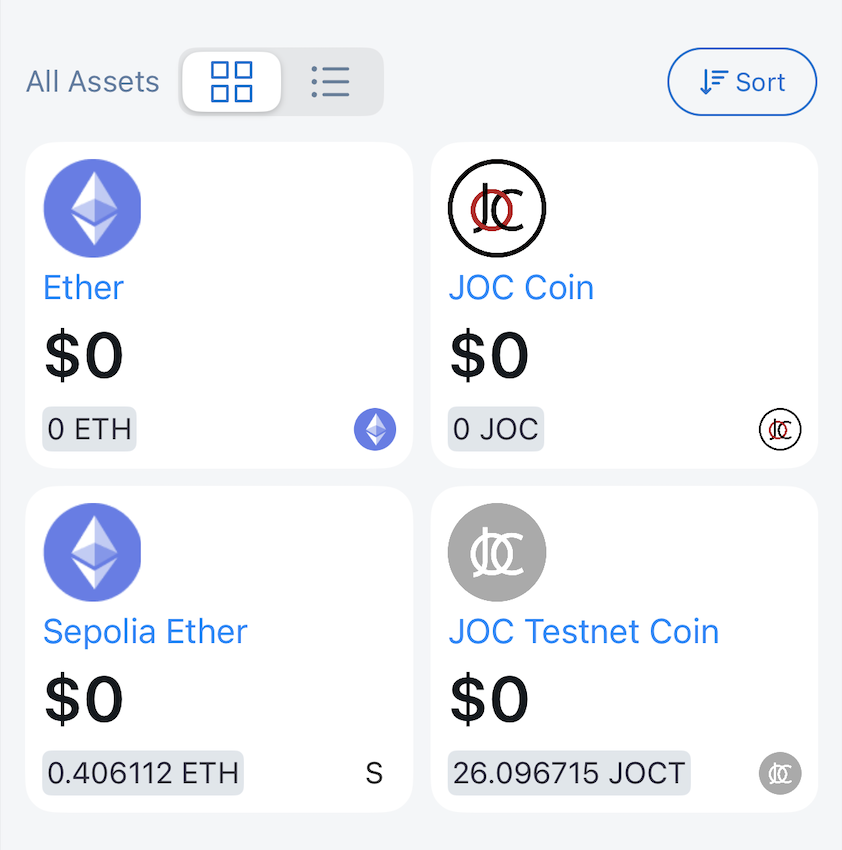
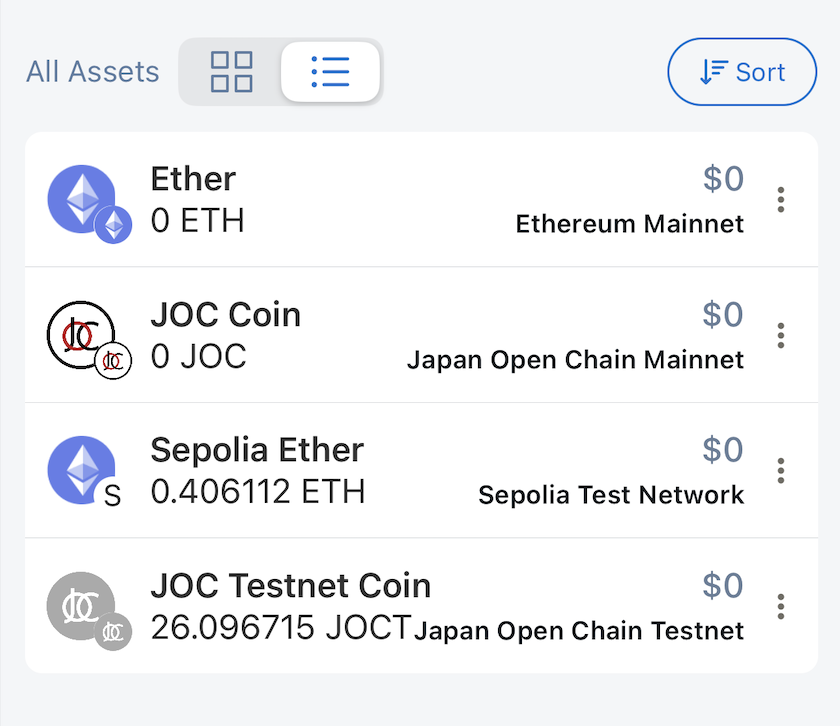
Lunascape supports two types of lists: card and list.
Card
List
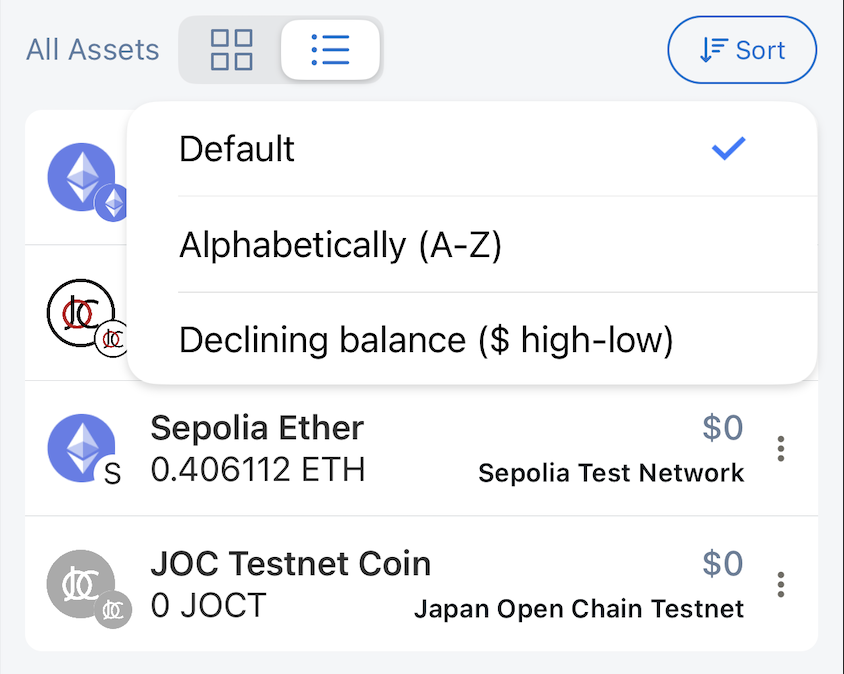
Supported sorting types:
- Default: last viewed tokens will be at the top of the list
- Alphabetically (A-Z)
- Declining balance ($ high-low)
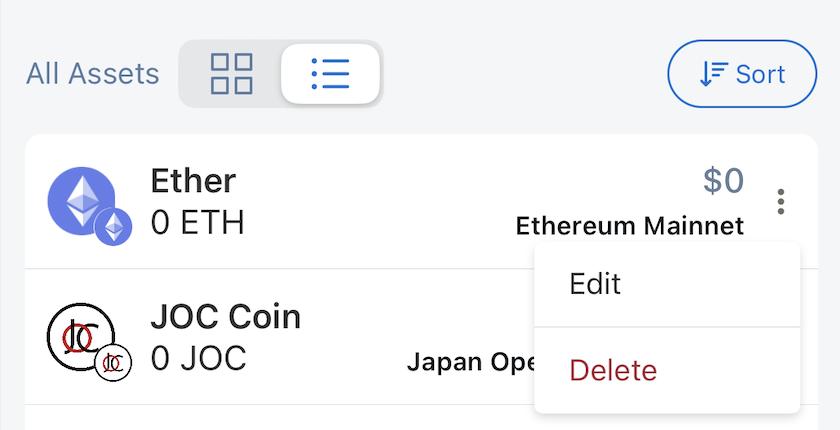
Users can also perform Edit/Delete token operations
Token Detail
Display token information:
- Token name
- Token symbol
- Token balance
- Corresponding fiat value
- Token network
- Transaction history
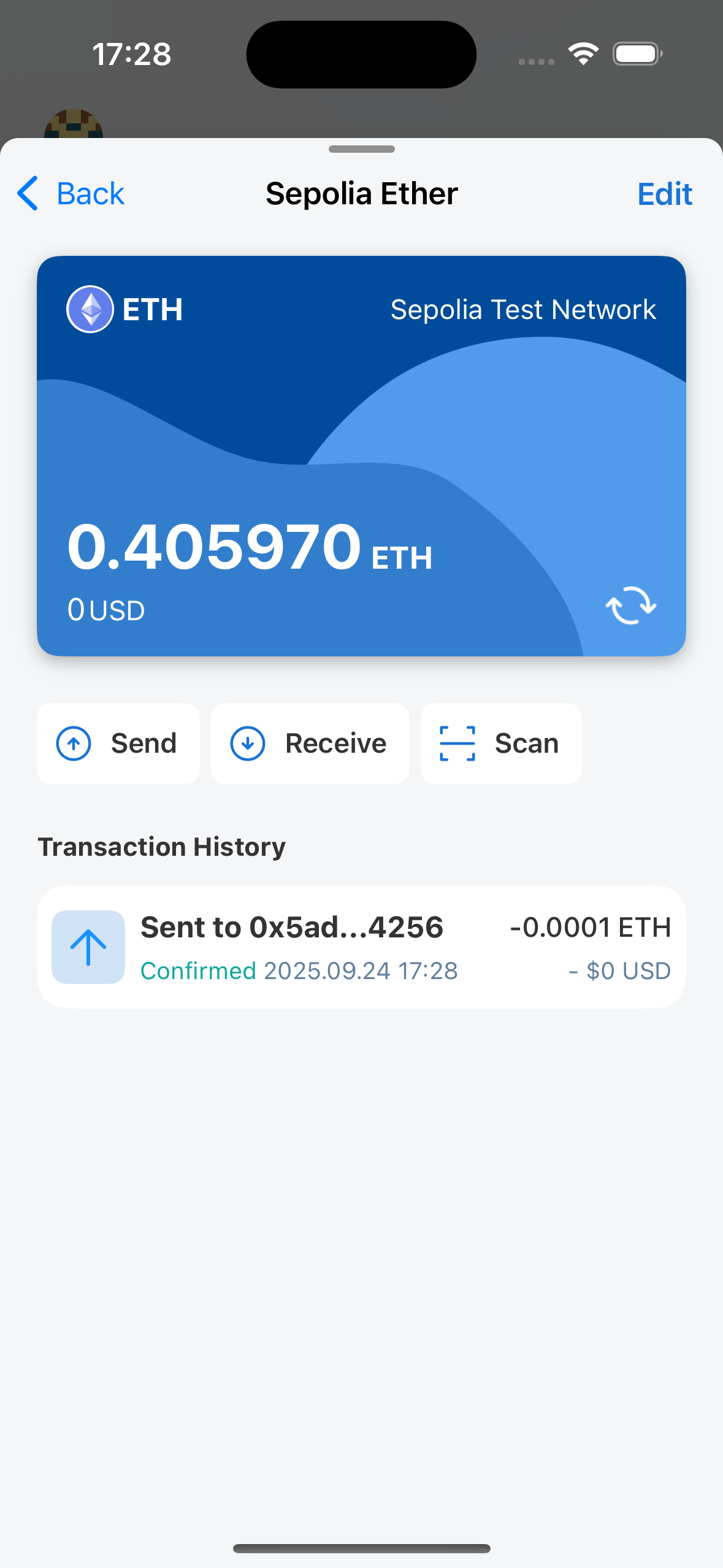
Users can also perform quick actions on the displayed token:
- Send
- Receive
- Scan to Send
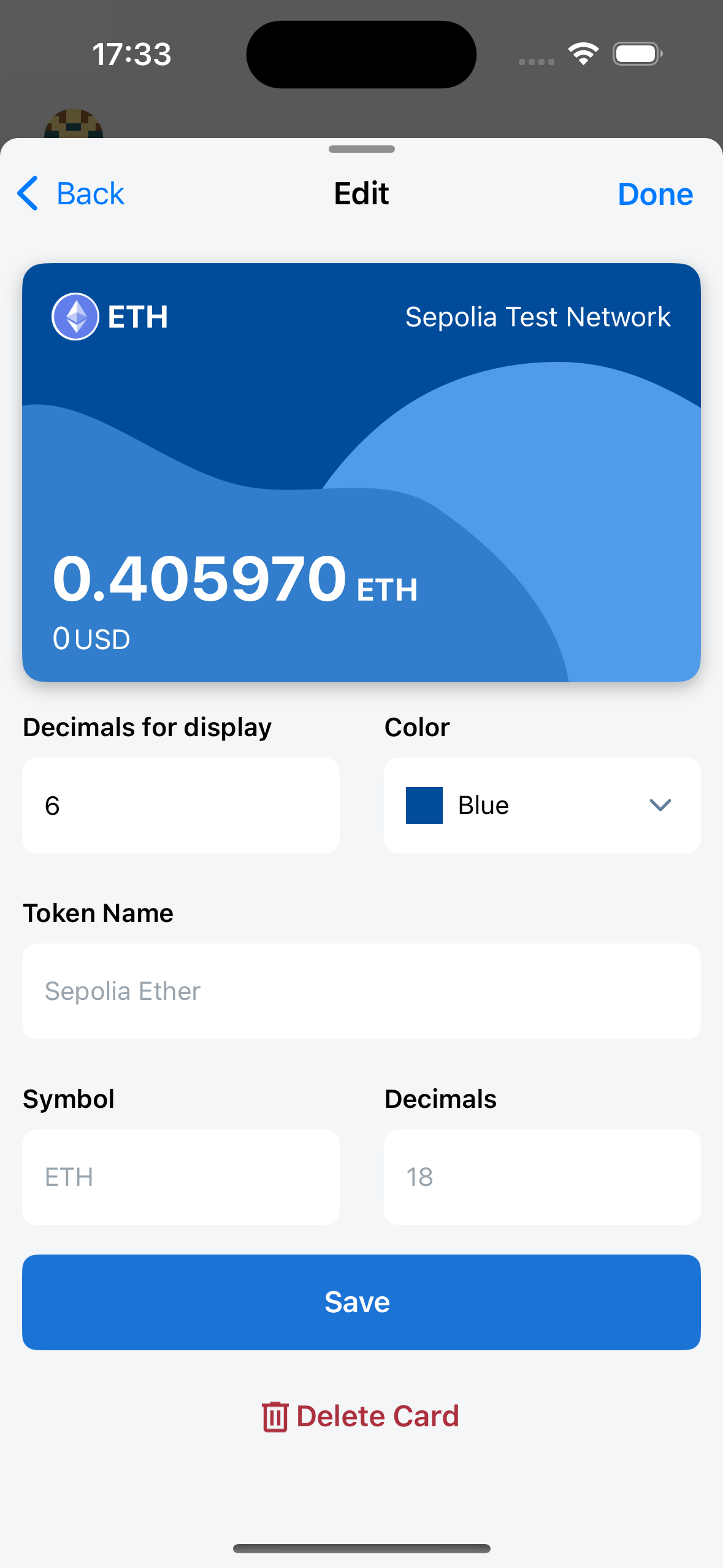
Edit Token
The application only allows users to edit 2 values:
- Decimals for display
- Card Color