Tab Operations
The default maximum number of tabs opened is 12. Users can change the maximum number of tabs in Settings (Settings -> Tab -> Set Maximum Tab). We recommend that the maximum number should not be too large to avoid affecting browsing performance.
The default Tab mode is Sliding Tabbar. Users can change the mode and other settings at Settings -> Tab
When scrolling down on a web page, the Tabbar will automatically hide (as will the Address bar). Users can change this setting at Settings -> Tool bar & Tab bar.
To enhance the experience, using flexible tabs, Lunascape provides a series of quick actions on Tabs.
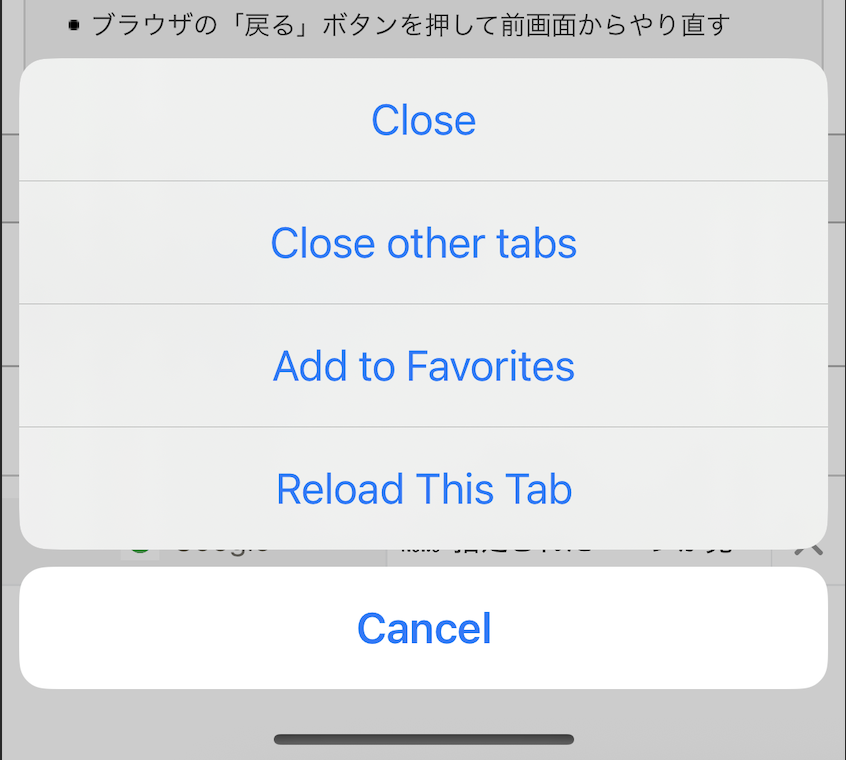
- Touch and hold for about 2 seconds on the Tab, the Quick Action Menu will be displayed. Supported actions: Close, Close other tabs, Add to Favorite (Bookmark), Reload this Tab.
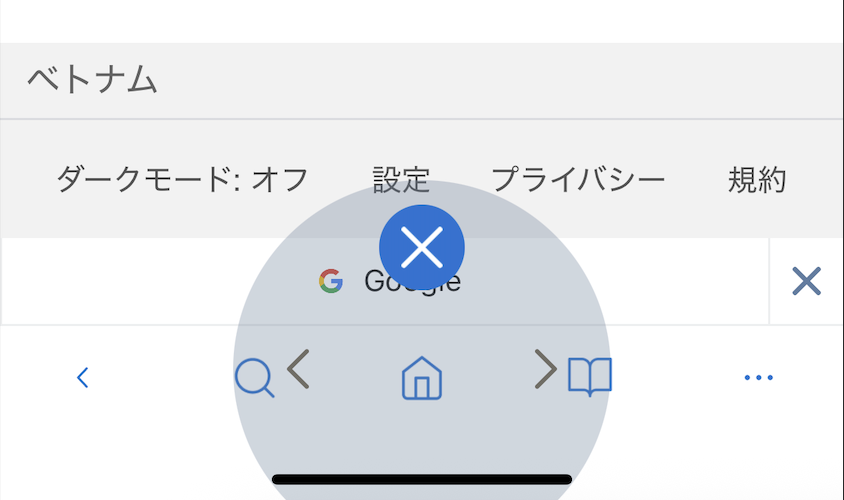
- Touch, hold and swipe up/left/right on the Home icon, gesture quick actions will be displayed. Supported gesture quick actions: Close, Back, Previous.